
Previs for AI video
Previs, short for previsualization, is planning a shot before you make it. Film crews have long used simple 3D scenes to work out the camera. For AI video it does one more job: the rough clip becomes a reference that the model can follow.
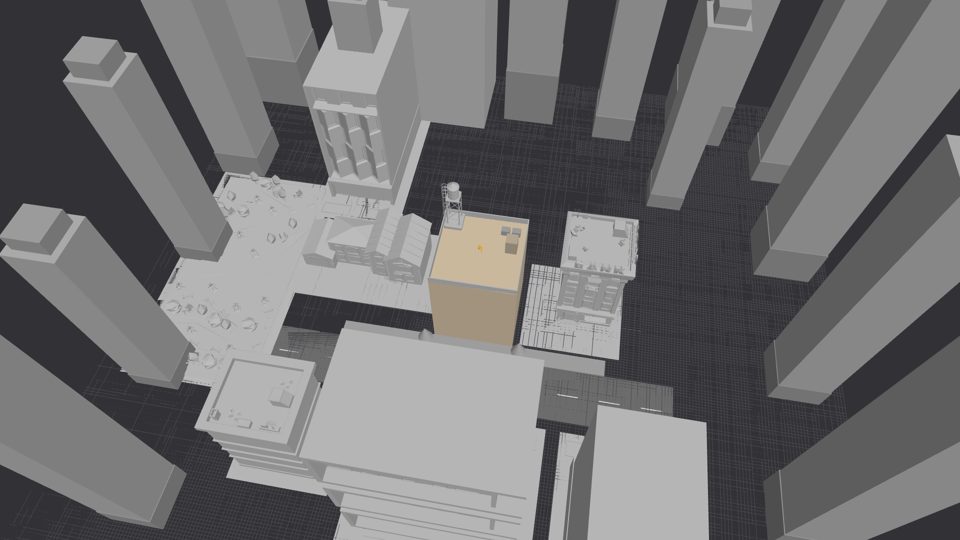 The previs
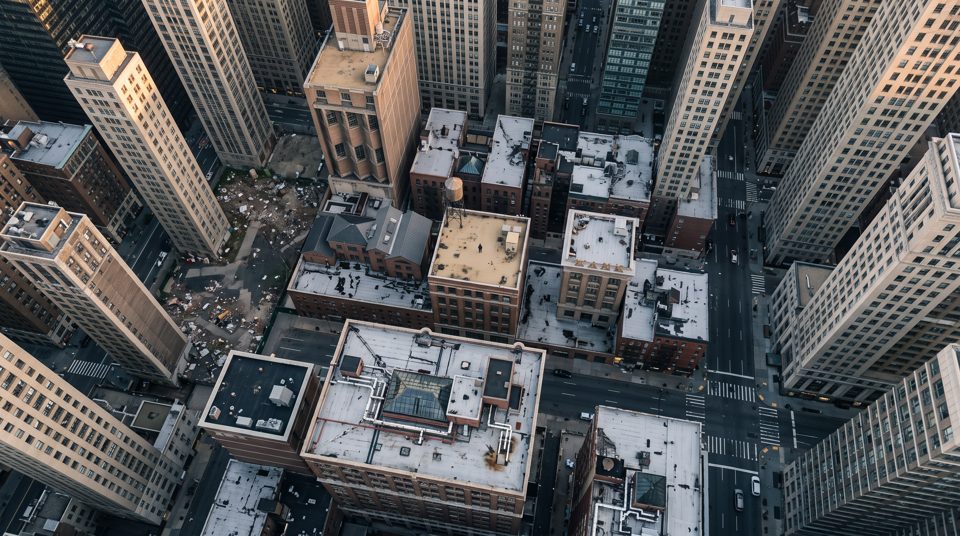 The finished shot
What previs means on a film set
Before an expensive shot, a team builds a rough version with grey models. They use it to decide where the camera goes, what lens to use and how long the shot runs. Problems are cheap to fix at this stage, because nothing has been shot yet.
Why AI video needs it
AI video has the same problem in a new form. Each generation costs credits and time, and a text prompt leaves the camera up to the model. Without a plan, you end up rolling the dice and hoping one take lands.
Previs changes that in three ways:
- You decide the shot first. You can check the framing and timing before you generate anything.
- The model gets a clear reference. It follows the camera you planned rather than inventing one.
- Your shots match. Several angles of one scene share the same layout, because they come from the same 3D set.
Previs, storyboards and shot lists
| Shows | Best for | |
|---|---|---|
| Shot list | Words | Deciding what you need |
| Storyboard | Still frames | Composition and order |
| Previs | Moving 3D | Camera move, timing and scale |
How to previs an AI video shot
- Write the shot in one line. Say who is in it, where it happens and what the camera does.
- Block out the scene. Place stand-ins for people, vehicles and buildings. Here's how to block out a shot.
- Plan the camera. Set the keyframes, the lens and the length.
- Save your frames. Turn key frames into realistic stills with an image model, using each grey frame as the layout.
- Render the reference clip. Then generate the video with the clip, your stills and a shot prompt.
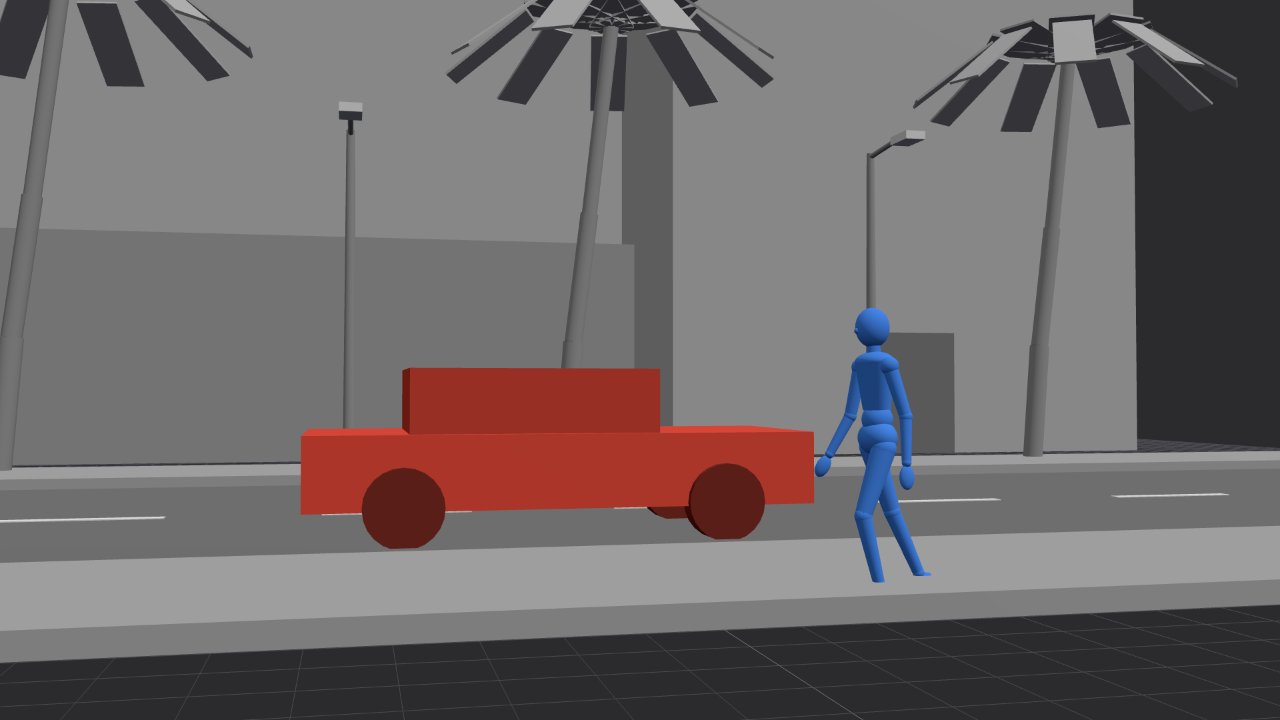
Doing it in your browser
PREVIS covers all of this in one place, with a kit of shapes, a 111-piece city, jointed mannequins and 165 motion clips. Or connect your AI with Add MCP and describe the shot. It builds the scene, sets the camera and writes the prompt while you watch. For the camera side in detail, read about Seedance camera control.
Questions
What does previs mean?
Previs is short for previsualization. It means planning a shot before you make it, usually with simple 3D models.
Is previs the same as a storyboard?
No. A storyboard shows still moments. Previs shows the shot moving, in real space and real time, so you can judge the camera move and the timing.
Do I need 3D skills?
No. PREVIS uses ready-made shapes you drag into place, and with Add MCP your AI can build the scene from a description.
Which AI video tools can use previs?
Any tool that accepts a reference video for camera movement, such as Seedance and Kling Omni.
More guides
- A Blender alternative for Seedance
- Seedance camera control
- How to block out a shot for AI video
- 3D MCP: control a 3D scene from your AI
- A Blender MCP alternative
- Model in 3D with Claude
- How to use reference videos in Seedance
- Free previs software
- Previs software compared
- Camera move library
- Tutorials with every prompt