
A Blender alternative for Seedance
Seedance follows a camera move far better when you show it one. You can make that reference clip in Blender, but you don't have to learn Blender to get it. PREVIS builds the same kind of clip in your browser, and your AI can do the 3D work for you.
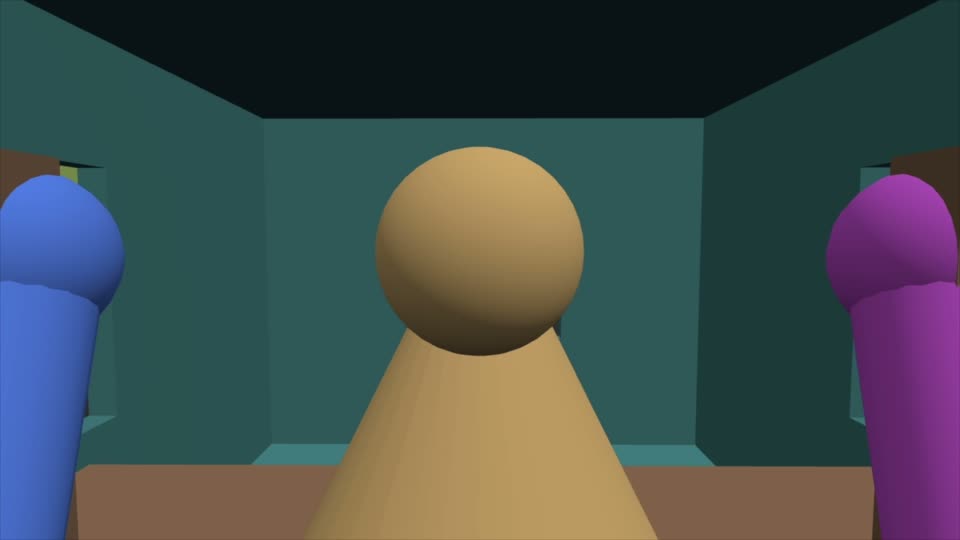 The blockout
 The finished frame
Why people use Blender for Seedance
A written prompt can't hold a camera move. Ask for a slow push-in, then a turn, then a climb, and the video model guesses the timing and the path. A reference clip takes the guessing away: the model can see where the camera goes and when.
So people block out the shot in Blender with grey shapes, animate the camera, render a short clip and attach it to Seedance. It works. The catch is everything you need to learn first, just to make a clip of grey boxes.
What a Seedance blockout really needs
- Layout. Where people, cars and buildings stand, at real size.
- A camera move. Keyframes, a lens and clear timing.
- Action. Figures that walk, sit or turn during the shot.
- A clean reference clip. A video file, plus any stills you want.
Modelling detail, materials and lighting don't matter here. The video model supplies those. That is why a tool built only for blockouts can replace Blender for this one job.
Blender and PREVIS, side by side
| Blender | PREVIS | |
|---|---|---|
| Setup | Desktop install | Opens in your browser |
| Learning | A full 3D package to learn | Pick shapes, drag them, set the camera |
| Building a set | Model it or find assets | A kit with a 111-piece city, or your own 3D models |
| Figures | Rig and animate, or import | Mannequins with 165 motion clips |
| Camera | Keyframes, constraints and curves | Keyframes, rigs and twelve one-tap moves |
| Prompt | Write your own | Copy a shot prompt from the scene |
| Price | Free and open source | Free during the open beta |
Or skip the 3D work altogether
This is the bigger difference. With Add MCP, you connect PREVIS to Claude or any AI app that takes MCP connectors, then describe the shot in words. Your AI builds the set, moves the camera, checks its own frames and writes the video prompt while you watch. If the shot needs a prop the kit doesn't have, it can model that too.
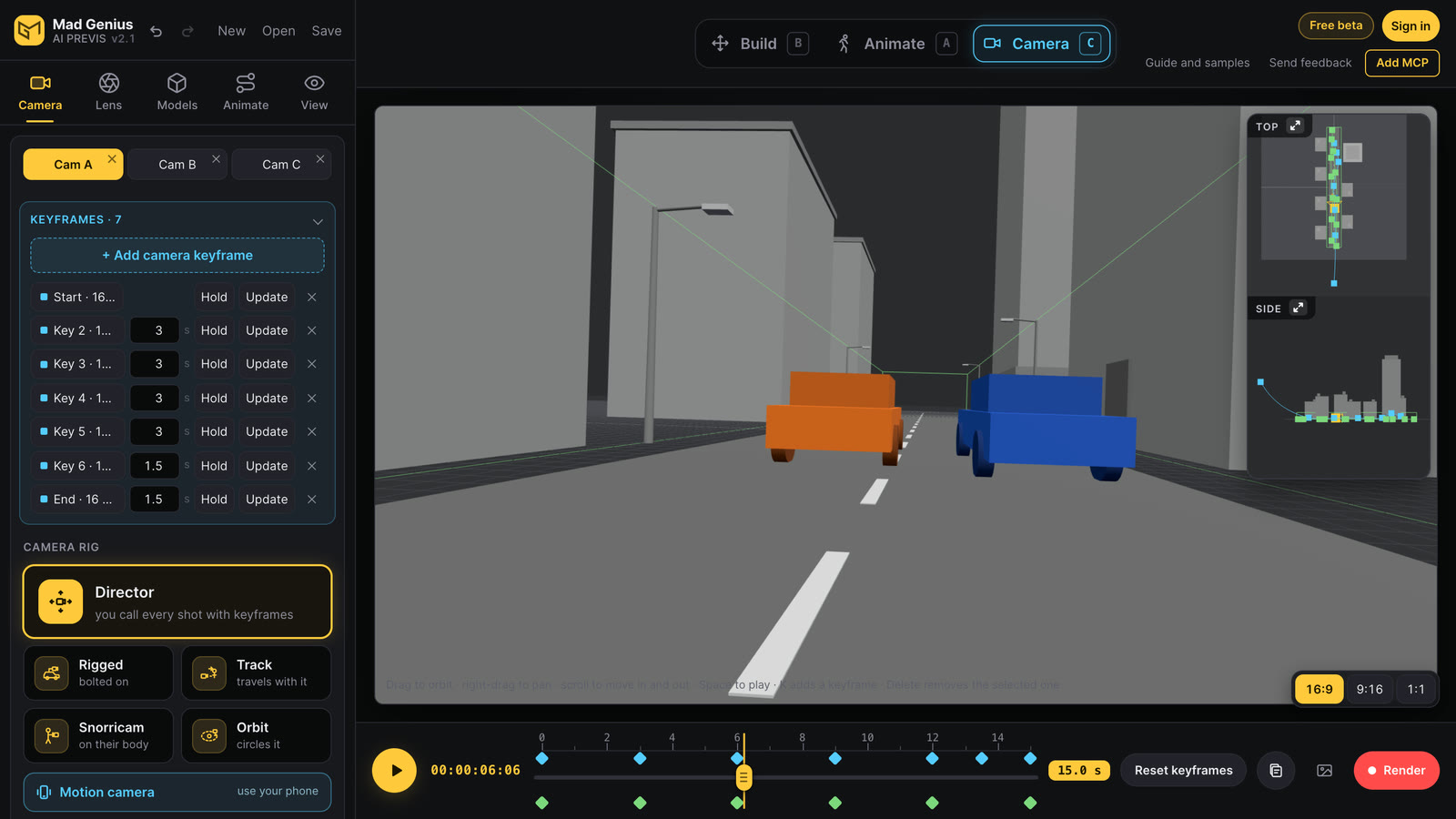
From blockout to Seedance in four steps
- Build the scene. Add figures, cars and buildings, or describe them to your AI.
- Plan the camera. Set keyframes, choose a rig or tap a ready-made move.
- Render the reference clip. Save any stills you need as well.
- Generate in Seedance. Attach the clip and your stills, then paste the shot prompt.
When Blender is still the better choice
Blender is the right tool if you need finished 3D: final renders, detailed modelling and sculpting, simulations, or complex character rigging. PREVIS doesn't do those, and it isn't trying to. It also needs a desktop or laptop screen for the full editor. Plenty of people will use both, and a model made in Blender opens directly in PREVIS.
Questions
Do I need Blender for Seedance?
No. Seedance needs a reference clip that shows the camera move, and that clip can come from any 3D tool. PREVIS makes one in your browser, with no install and no 3D skills.
Is PREVIS free?
Yes, during the open beta everything is free: building scenes, rendering clips, saving frames, shot prompts and Add MCP. Building and previewing needs no account, and exporting needs a free sign-in. No card is asked for.
Can I use my own 3D models?
Yes. PREVIS opens GLB, GLTF, OBJ, FBX, STL and USDZ files, so a model from Blender can come straight in. Some FBX files with unusual skeletons will not open; exporting them as GLB usually fixes that.
Does it work with tools other than Seedance?
Yes. The reference clip is a standard MP4, so it works with any video tool that accepts a reference video for camera movement, such as Kling Omni.
Can my AI build the scene for me?
Yes. Press Add MCP in the app and add your private link to Claude, or to any AI app that takes MCP connectors. Then describe the shot. It builds the set and the camera move in your open app, checks the frames and writes the shot prompt.